

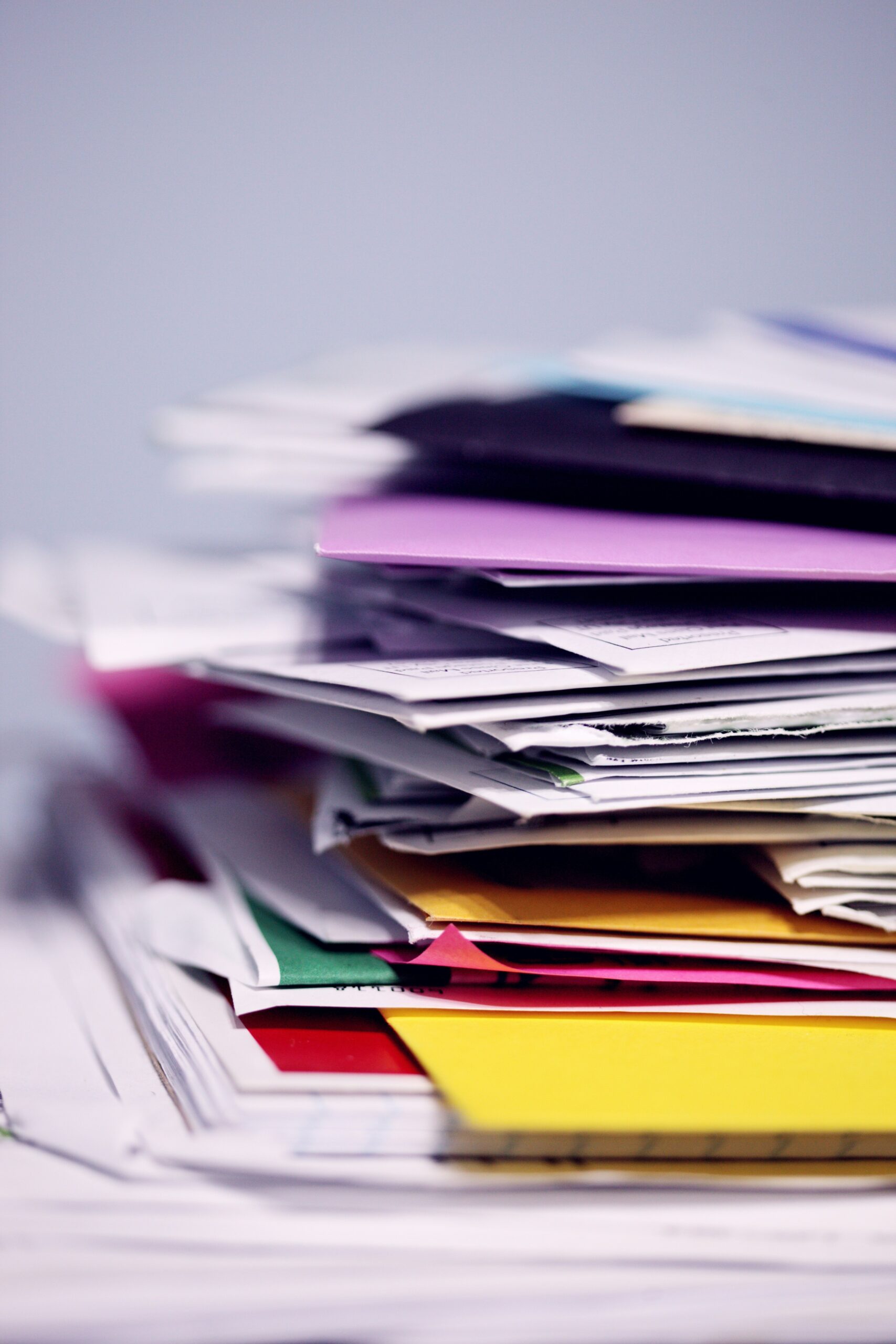
Have you ever spent several minutes clicking through folders trying to find a file you know is on your computer somewhere? That frustration adds up quickly and can completely break your focus. This week’s Tech Tip is all about file organization and how a few simple habits can save time and reduce stress throughout the workday.
A well-organized computer makes everything easier. When files are stored in predictable places and named clearly, you spend less time searching and more time actually working. The good news is that Windows already gives you helpful tools to stay organized without needing anything fancy or complicated.
Windows includes built-in folders like Documents, Downloads, Pictures, Music, and Videos for a reason. Using these predefined locations helps keep similar files grouped together and makes it easier to remember where things belong. Instead of saving everything to the desktop or a random folder, placing files into the appropriate category gives you a consistent starting point when you need to find them later.
Inside those folders, keeping things simple is key. Create folders only when they make sense and name them clearly so you can recognize them at a glance. Avoid overcomplicating your structure. A clean, logical setup works better than a complex system that is hard to maintain.
File names matter just as much as folder locations. Use clear names that describe what the file actually contains. Adding dates to file names can be extremely helpful, especially for documents that are updated regularly. This makes it easier to tell versions apart and quickly identify the most recent file.
Instead of manually clicking through folders, take advantage of the search bar in File Explorer. You can search by file name, file type, or even words inside a document. This is often the fastest way to locate a file when you are short on time.
It is also important to understand how deleting files works. When you delete a file, it usually moves to the Recycle Bin, where it can still be recovered. Once the Recycle Bin is emptied, that file is permanently deleted. Taking a moment to double-check before emptying it can prevent accidental data loss.
Small organization habits like these can make a big difference in your daily workflow. We hope these tips help you stay organized and work more efficiently. Be sure to follow our weekly Tech Tips every Tuesday. You can subscribe to our Tech Tip Tuesday email digest or listen live on the radio. Here’s how: Subscribe Now and WRDO every Tuesday at 8:35am Est.
File Organization Tip Summary
Store files in Documents, Downloads, Pictures, Music, and Videos to keep things grouped logically.
Create clear, easy-to-understand folders that are easy to maintain.
Name files based on what they contain so they are easy to recognize later.
Dates make it easier to track versions and recent edits.
Search by name, type, or content to find files faster.
Files in the Recycle Bin can be restored, but emptied files are gone for good.