

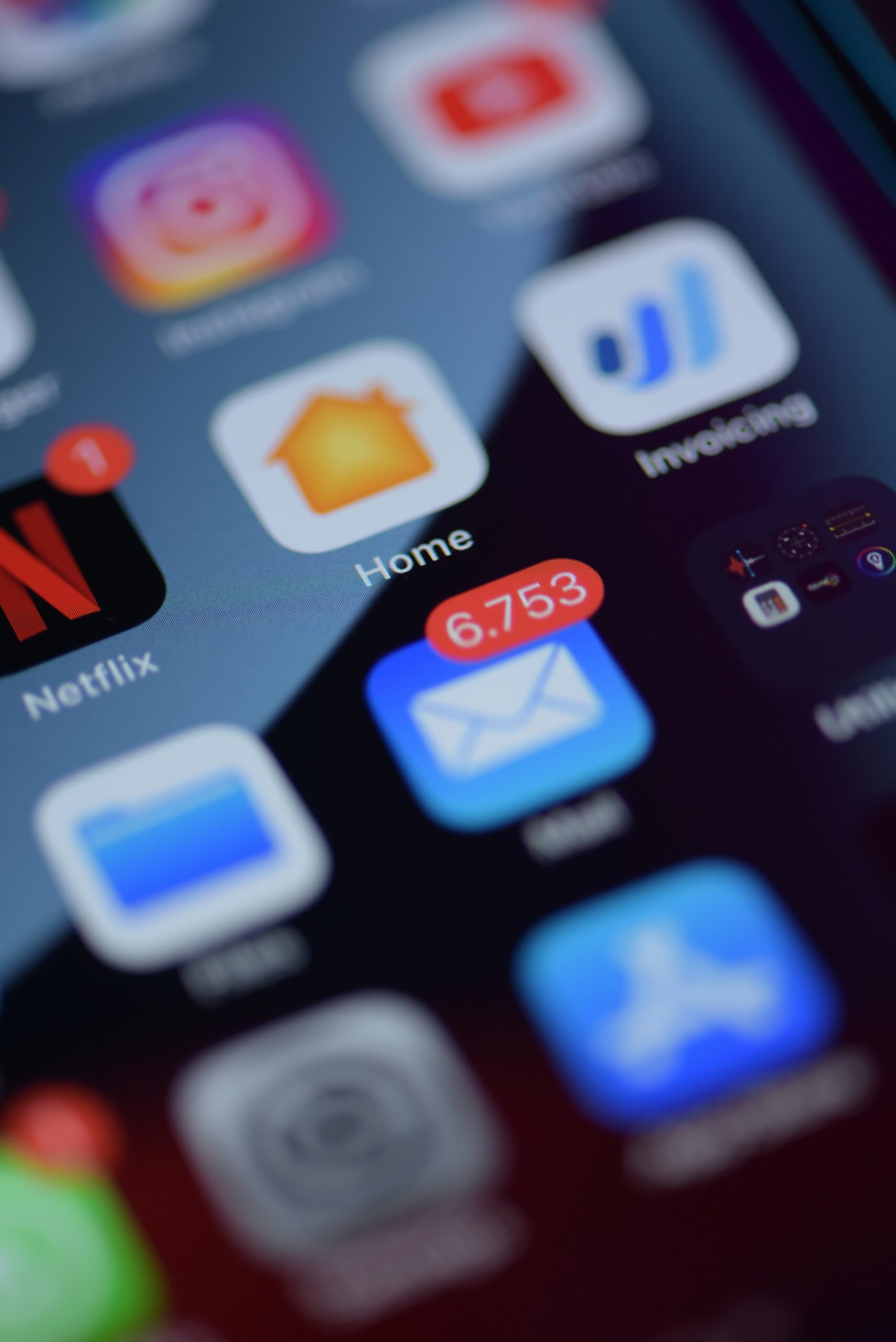
Email moves fast. Messages arrive constantly, notifications pop up, and it is easy to react without thinking. Unfortunately, that speed is exactly what cybercriminals rely on. This week’s Tech Tip focuses on one simple habit that makes a big difference in email security: slowing down.
Most phishing and scam emails are designed to create urgency. They push you to act quickly before you have time to think. When you slow down, even for a few seconds, it becomes much easier to spot warning signs. Unexpected requests, unfamiliar senders, spelling errors, or messages that demand immediate action often stand out once you take a moment to read carefully.
Slowing down is especially important when dealing with attachments. Attackers often disguise harmful files as invoices, receipts, or shared documents. Instead of opening attachments automatically, pause and ask yourself if you were expecting the file. Taking a moment to verify can prevent a simple mistake from becoming a serious issue.
The same approach applies to links in emails. Before clicking, slow down and hover over the link to see where it actually leads. If the address looks strange or does not match the sender, that pause may save you from entering your credentials on a fake website.
Using the email preview pane is another way to build in a natural pause. Previewing a message allows you to scan it without fully opening it, reducing accidental clicks and giving you time to spot anything unusual.
If something feels off, slow down and report it rather than deleting it. Reporting suspicious emails helps your IT team identify patterns and stop similar messages before they reach others.
It is also important to remember that no one catches everything. Modern phishing attacks are designed to bypass human judgment, especially when people are busy. This is why email security tools and filtering are critical. Slowing down helps, but strong security tools provide a safety net when human attention is stretched.
By building the habit of slowing down and pairing it with proper security protections, you can significantly reduce email related risks.
Be sure to follow our weekly Tech Tips every Tuesday. You can subscribe to our Tech Tip Tuesday email digest or listen live on the radio every Tuesday at 8:35am EST. Here’s how: Subscribe Now and WRDO.
Email Security Tip Summary
- Slow down before opening emails, clicking links, or opening attachments
- Be cautious of urgent or unexpected messages
- Verify attachments you were not expecting before opening them
- Hover over links to confirm where they actually lead
- Use the email preview pane to scan for warning signs
- Report suspicious emails instead of just deleting them